Animation Clips API: Frame Rates, Loops, and Delivery
Plan frame interpretation, seamless loops, transparency, moving crops, and readable animated text.
Frame timing is part of the creative idea.
Animation delivery is about preserving intended movement, not merely shortening a file. Decide whether the source is a finished video, an image sequence, or an editable project with dependencies. Record frame interpretation and background treatment so receiving tools and reviewers do not have to guess.
A proposed workflow should distinguish preserving duration from deliberately changing pacing. Frame-rate conversion and timestamp changes are different operations in tools such as FFmpeg. Record which transformation the editor intends and compare the delivered motion with the approved preview.
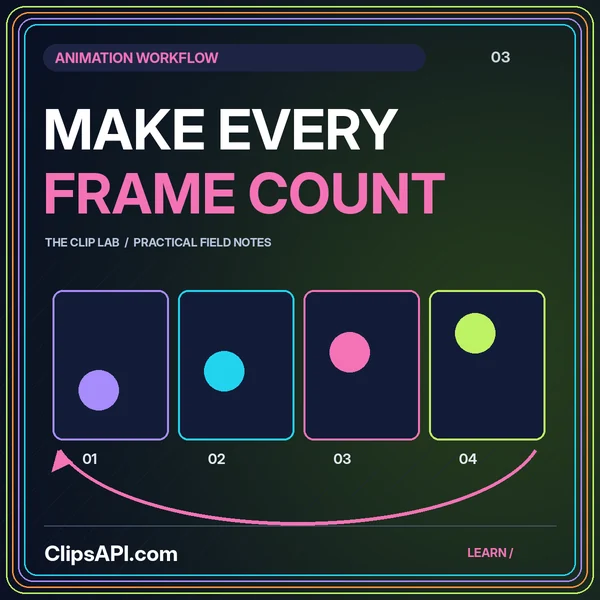
Repeat an internal preview several times to inspect its seam. Look for a duplicated endpoint, a jumping background, or an abrupt audio transition. Check the entire scene rather than only the main moving shape, and keep loop-specific notes separate from unrelated creative changes.
Define whether the output needs an alpha channel or an opaque background, then verify that actual deliverable in its receiving environment. Review soft edges against appropriate backgrounds. Read every animated label at a realistic viewing size and check that it stays on screen long enough to serve its purpose.
No. A still can help review composition, but motion, timing, audio, and loop behavior require playback of the complete sequence.
Plan frame interpretation, seamless loops, transparency, moving crops, and readable animated text.
Build a clear clipping contract with source versions, precise timing, recoverable jobs, and reviewed outputs.