Instagram & Facebook Clips: Separate Publishing Plans
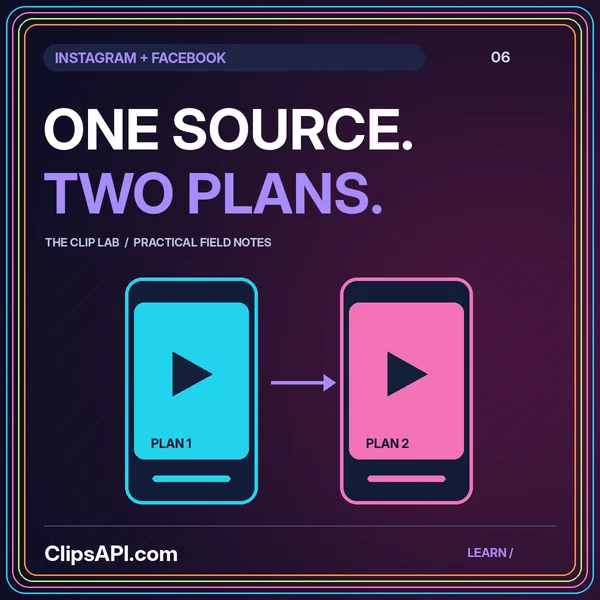
Reuse the creative work while keeping accounts, captions, framing, and publication state separate.
Prepare the edit. Verify the publishing path.
Treat Instagram clip preparation as a production workflow and content publishing as a separate integration. Establish the authorized source, approved export, selected destination, and accompanying text before attempting a handoff. This site does not connect Instagram accounts or represent an official integration.
Meta’s Instagram content-publishing guide describes supported publishing workflows. Use the live documentation to verify the selected account type, permissions, media requirements, and review conditions. Do not assume a public profile or ordinary browser login grants an application permission to publish.
Write a brief statement of what the viewer should learn or understand. Review the opening, crop, captions, and accompanying description against that promise. Use aspect-ratio illustrations as design starting points, then validate the actual delivery against current requirements.
Store the approved export version, selected account, text, and confirmed publishing state together. If a handoff fails, investigate the specific stage before repeating the action. When adapting the same edit for Facebook, keep its destination approval independent.
No. Platform names identify educational topics. No official partnership, account connection, or publishing access is implied.
Reuse the creative work while keeping accounts, captions, framing, and publication state separate.
Build a clear clipping contract with source versions, precise timing, recoverable jobs, and reviewed outputs.