Twitter X Clips API: Keep Upload and Publication State Clear
Plan chunked transfers, processing checks, deliberate retries, and a separate final post approval.
Explore video clips, AI editing, and creative API workflows. Practical guides for the people turning source footage into something worth watching.

From the first timecode to the final frame, understand the decisions behind a dependable clip.
Source assets, in and out points, job states, and metadata: learn how a clipping workflow fits together.
Explore the guide →Plan trimming, framing, captions, audio, and export profiles without hiding the decisions inside a preset.
Explore the guide →A rights-aware approach to authorized movie excerpts, scene selections, review copies, and source records.
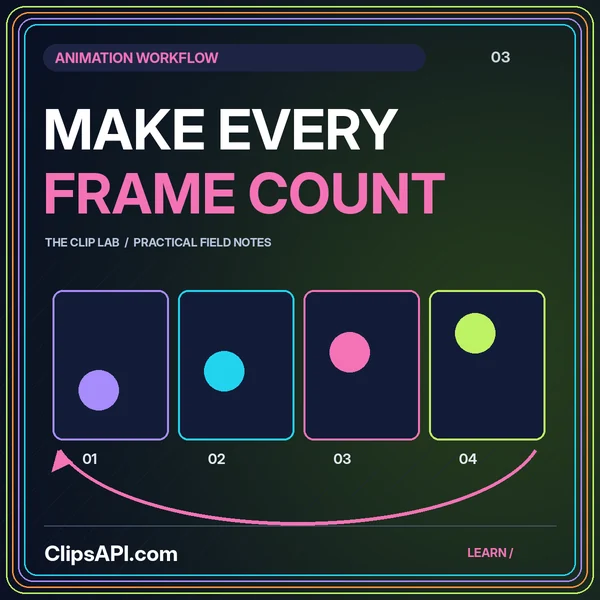
Explore the guide →Work through image sequences, frame interpretation, loop seams, transparency, and animated layouts.
Explore the guide →Organize transcripts, scenes, and candidate highlights into a clear, evidence-backed editorial workflow.
Explore the guide →Explore structured edit decisions, source-grounded captions, validation rules, and versioned approvals.
Explore the guide →Use natural language to propose the next cut. Keep evidence, context, and creative approval in the workflow.
“Find a self-contained explanation of the breakthrough in this authorized interview.”
Review: source range + supporting transcript
“Draft captions that preserve the names, numbers, and important qualifications.”
Review: wording + timing + context
“Propose a portrait layout that keeps the demonstration visible throughout.”
Review: crop plan + moving subjects
Illustrative planning prompts—not live outputs or a functioning editor.
Identify authorized material and the exact version you intend to use.
Select an interval that preserves the idea and its surrounding context.
Check framing, sound, captions, and the story your excerpt tells.
Approve the output and verify the intended destination’s requirements.
Separate the edit from the upload. Explore each platform’s own publishing journey.
A guide to planning Instagram-oriented clips, captions, account prerequisites, and deliberate publishing handoffs.
Explore the workflow ↗Plan direct-post and draft handoffs, authorized media, clear captions, and stage-specific publication records.
Explore the workflow ↗Learn how to prepare authorized excerpts, review metadata, and plan an intentional YouTube upload workflow.
Explore the workflow ↗Connect clip manifests, resumable transfers, review audiences, and final approval in a Vimeo-oriented workflow.
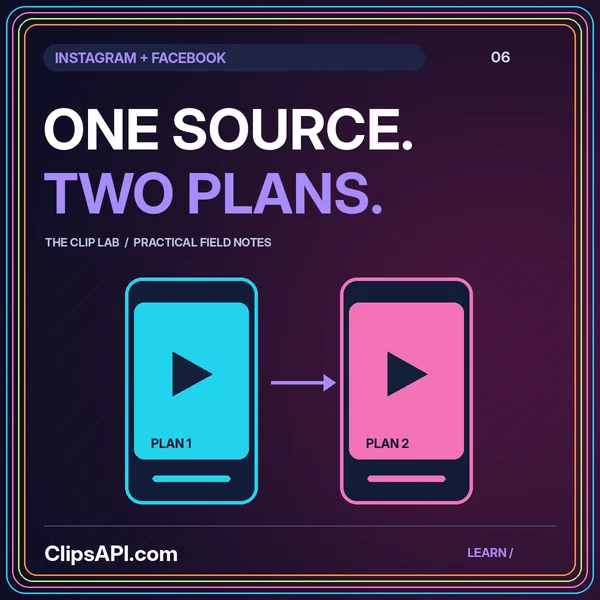
Explore the workflow ↗Plan authorized Facebook clips with separate creation, transfer, status checks, and publication decisions.
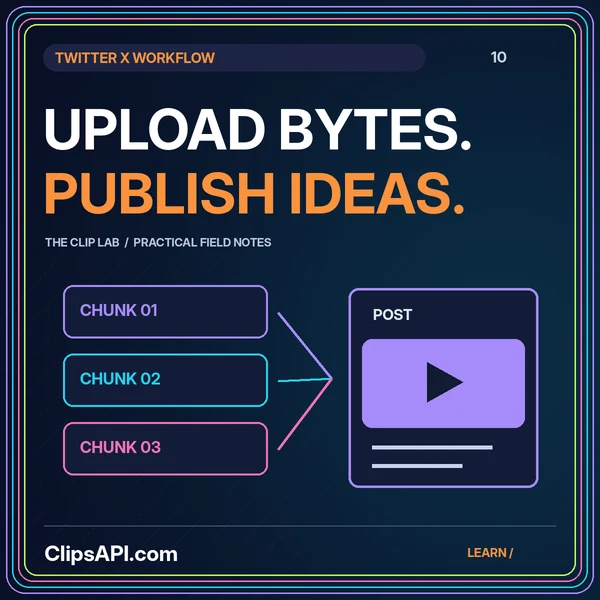
Explore the workflow ↗Explore chunked-media handoffs, processing checks, clear retry decisions, and versioned post text.
Explore the workflow ↗Independent educational guides. No platform affiliation or connected publishing service is implied.
Deep dives into creative decisions, practical architecture, and the handoffs in between.
Plan chunked transfers, processing checks, deliberate retries, and a separate final post approval.
Plan frame interpretation, seamless loops, transparency, moving crops, and readable animated text.
Reuse the creative work while keeping accounts, captions, framing, and publication state separate.
ClipsAPI.com is an independent collection of guides to video clipping, AI-assisted edit planning, and platform publishing workflows. It helps readers separate creative decisions from technical handoffs.
No. This website is an educational resource, not a hosted clipping service. It has no uploads, account connections, API keys, or live video editor. The interface illustrations are static.
Do not assume a single workflow covers every destination. Start with the platform topic pages, then verify current official documentation for account eligibility, authorization, media requirements, and publication behavior.
It is a proposed planning layer that turns a written brief into a structured edit suggestion. A real implementation would still need validation, authorized source access, rendering infrastructure, and human review.
No. Instagram, TikTok, YouTube, Vimeo, Facebook, and X are discussed as educational topics. Their names do not imply affiliation, endorsement, or a connected integration.