“YouTube Clips API” can describe several different goals: discussing a moment from a video, preparing an original short-form edit, managing video metadata, or uploading a finished file to an authorized channel. A useful project brief separates those goals before choosing an API. A platform resource that describes a video is not automatically a tool for downloading, trimming, or republishing its source media.
This guide focuses on preparing your own or otherwise authorized media outside the publishing API, then planning a deliberate upload to the intended channel. ClipsAPI.com is a guide site, not a YouTube downloader or connected uploader. Start with the YouTube Clips API topic page and use the workflow below to keep editorial decisions separate from platform operations.
Define the output before discussing endpoints
Write down whether the project needs a new rendered file, an internal edit decision, a public post, or simply a reference to an existing video. These are different deliverables. For an original excerpt, identify the source you are authorized to edit and the production that will receive it. Do not begin with an arbitrary public URL and assume that technical availability establishes the right to reuse the content.
If the goal is a new upload, specify the intended channel and the person responsible for approving it. Keep that destination separate from the source asset. A team might produce several versions of the same interview for different channels or audiences. Recording those destinations individually makes it easier to prevent an otherwise correct file from being sent to the wrong place.
Understand what the upload API actually does
The YouTube Data API videos.insert reference documents uploading a video and setting associated metadata. It describes an authorized upload operation, not an editing engine for extracting arbitrary footage. It also documents project-related restrictions that implementers should review before assuming an upload will have the intended visibility. Read the live reference when implementing rather than copying old limits into a permanent specification.
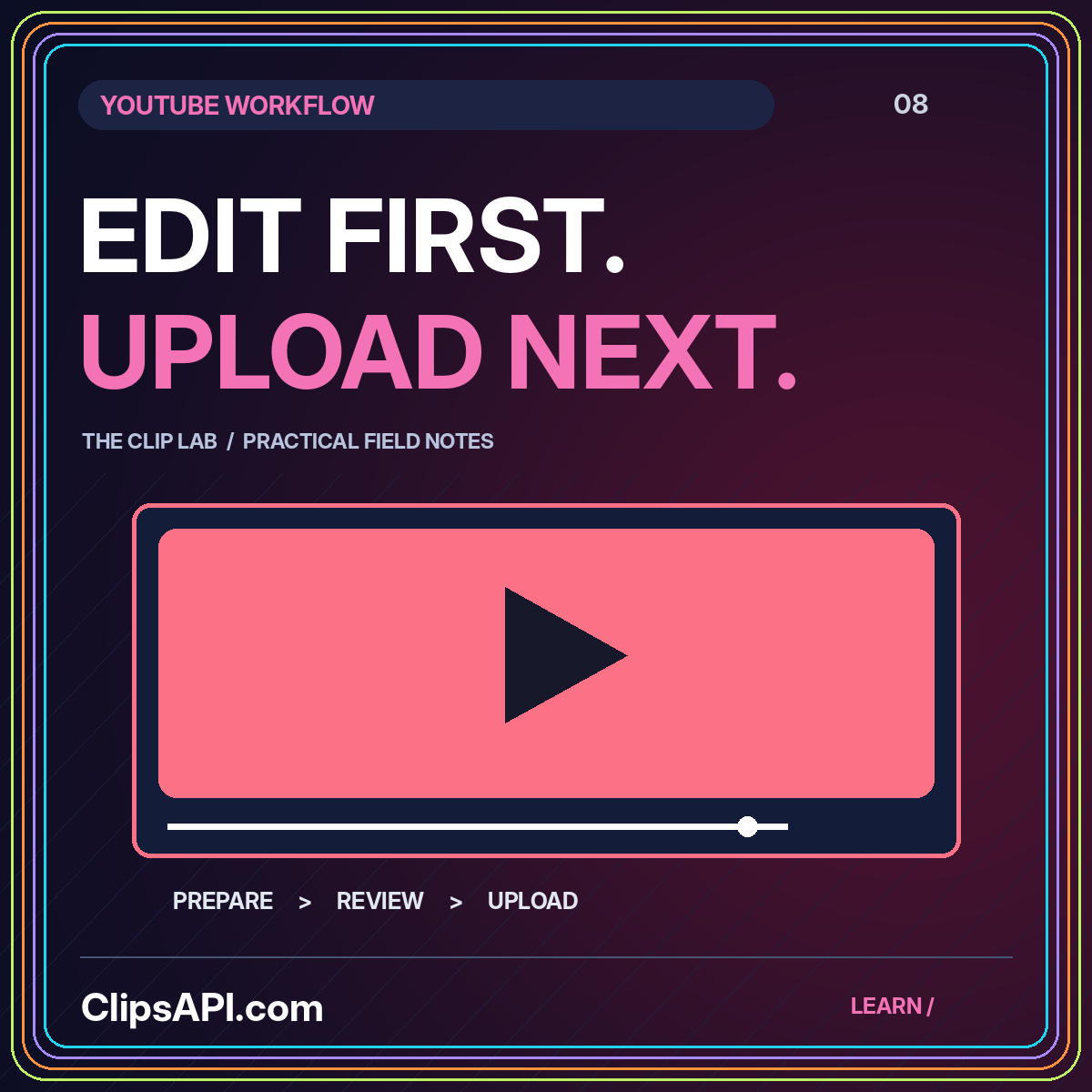
For your proposed architecture, place rendering before upload. The media-preparation stage should produce the reviewed file; the publishing stage should transfer that file with the approved metadata. This separation makes failures easier to diagnose. A wrong crop belongs to preparation, while a destination authorization problem belongs to publishing. Neither should be hidden behind a generic “YouTube conversion” label.
Build a clip that preserves the source's meaning
Choose an interval that communicates a complete idea to someone who has not watched the original production. An interview answer may need its question. A tutorial step may need a short explanation of the tool or material being used. Review the surrounding footage and preserve any qualification that changes the claim. Do not let a punchy title override what the speaker actually said.
Record the selection rationale with the in and out points. For example, an editor may choose a slightly longer interval because it contains the limitation that makes the advice accurate. That rationale is useful when someone later asks for a shorter cut. The discussion can then address the creative tradeoff directly rather than treating every extra second as an unexplained inefficiency.
Treat format as an explicit profile
Define the intended layout, dimensions, caption treatment, and audio policy in a versioned output profile. A short-form portrait edit and a landscape excerpt may need different framing even when they come from the same source. Inspect moving subjects and on-screen labels across the complete sequence. Do not approve a crop only because its opening thumbnail looks balanced.
Avoid hard-coding assumptions about how a platform will classify an upload based on a remembered duration or aspect ratio. Verify current product and API requirements for the actual use case. The format examples on this site illustrate planning choices, not guaranteed classification rules. Keep a record of the profile revision used for each export so future changes do not make older deliverables impossible to explain.
Review metadata as part of the production
Prepare the title, description, audience-related decisions, and other relevant publishing fields before the final handoff. Confirm which fields the chosen integration supports and which must be handled elsewhere. Keep the approved text with the export version, not in an untracked message. Metadata is part of what viewers encounter and deserves the same attention as the first frame.
For a proposed editorial review, compare every important claim in the title and description with the clip itself. Check names, attribution, source context, and any links included by the publishing team. A title that promises a complete tutorial should not accompany an excerpt that only introduces the topic. Keep sensitive project details and private source locations out of public-facing descriptions.
Keep upload state separate from publication state
A proposed system should distinguish preparation, transfer, provider processing, and the intended visibility of the final result. Record returned identifiers and the last confirmed state. Do not assume that receiving a video identifier proves that every later processing or visibility decision has completed as intended. Use the supported mechanisms in the actual integration to check what has happened.
Before retrying after an interruption, reconcile stored state with the available provider response. Repeating an upload can create a new artifact instead of repairing the previous attempt. Keep the original source, exported file, and upload reference connected so an operator can investigate precisely. The recovery path should explain whether a file needs to be rebuilt, a transfer resumed, or a destination setting reviewed.
Make post-publication inspection a real task
Assign someone to inspect the final presentation on the intended channel. Check the opening, closing, sound, captions, title, description, and visibility. View it in a context similar to the audience's likely experience rather than relying solely on the local master. A successful API response is useful evidence about an operation, but it is not a substitute for reviewing how the production is actually presented.
Keep a correction record when something changes after release. If a caption error is discovered, identify which artifact and metadata version were affected. Decide whether the right remedy is a metadata change, a new export, or another action supported by the current platform. Preserve the original approval history so the team can learn from the specific failure rather than replacing it with a vague note that the upload was fixed.
A hypothetical authorized upload
A training team records a workshop and selects one explanation for a public channel. The editor confirms the source permissions, includes the question that introduces the answer, and approves a landscape export with checked captions. The publisher reviews the destination and metadata, performs the authorized upload, and stores its returned reference. A reviewer then checks the published result and records the outcome. Each stage has a clear owner and a different definition of completion.
For a first implementation, keep that workflow narrow enough to test with a small source library. Add more profiles and destinations only after the team can explain how to recover a failed upload without losing the approved edit or accidentally creating duplicates.
A practical acceptance exercise
For an acceptance exercise, prepare two visually similar exports with different endings and ask the publisher to identify the approved version from the manifest. Then change the destination channel in the draft record and confirm that the review catches the mismatch. These tests are intentionally simple. Their value is demonstrating that the handoff depends on explicit evidence rather than a familiar thumbnail or an assumption that the most recently modified file must be correct.
Conclusion: prepare first, publish deliberately
A reliable YouTube clipping workflow begins with authorized media and a clear edit, not with an assumption that a platform API performs every step. Separate rendering from upload, review metadata, preserve returned identifiers, and inspect the final presentation. Continue with the Clips API foundations guide for the asset and job model that makes those handoffs reproducible.